



Shop
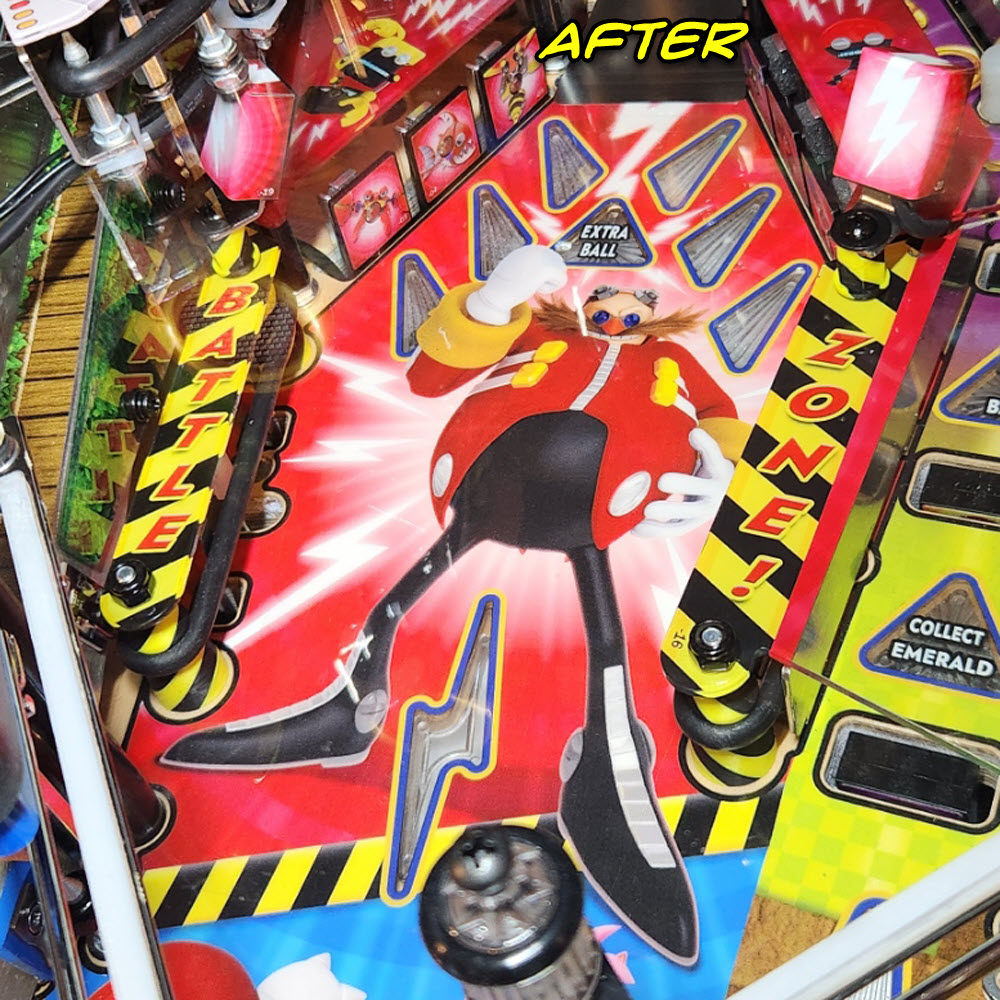
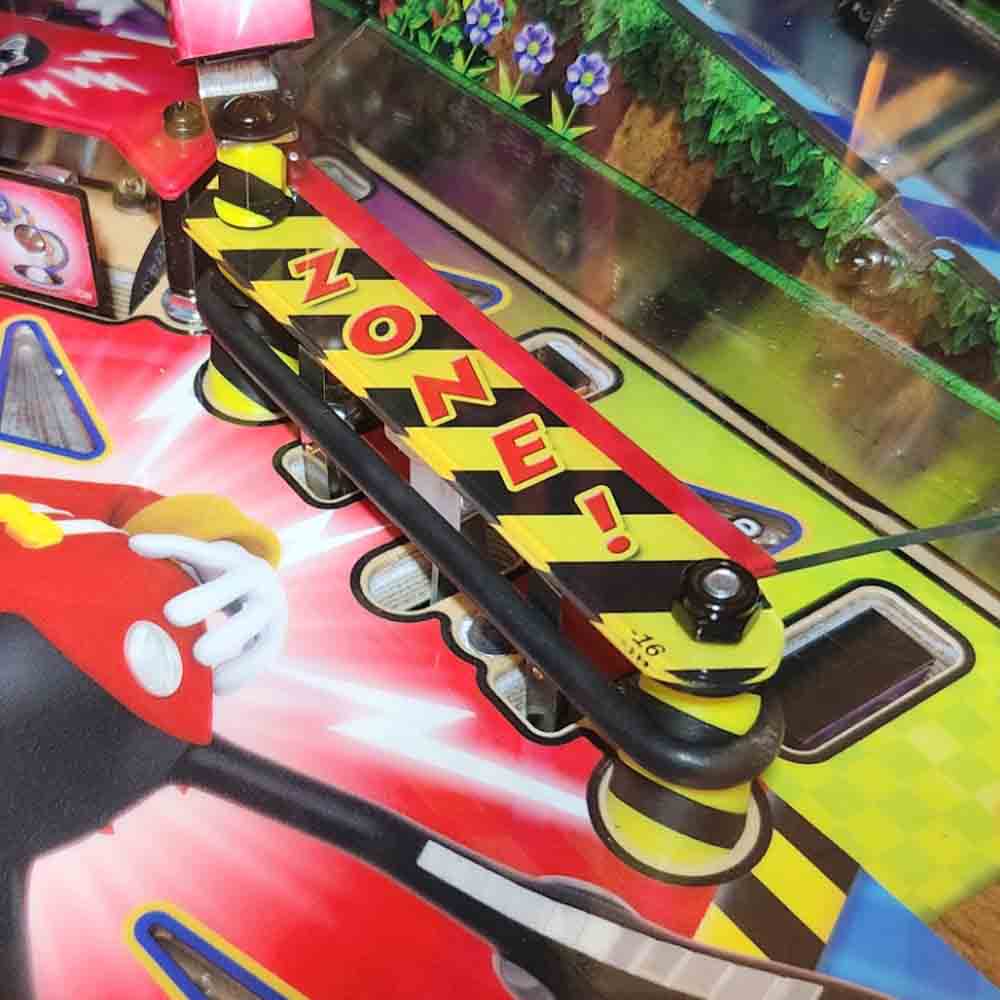
Battle Zone Caution Kit for Sonic the Hedgehog
$22.50
Details matter — and Rocket City Pinball believes in changing and/or hiding OEM hardware to better match each game’s art package!
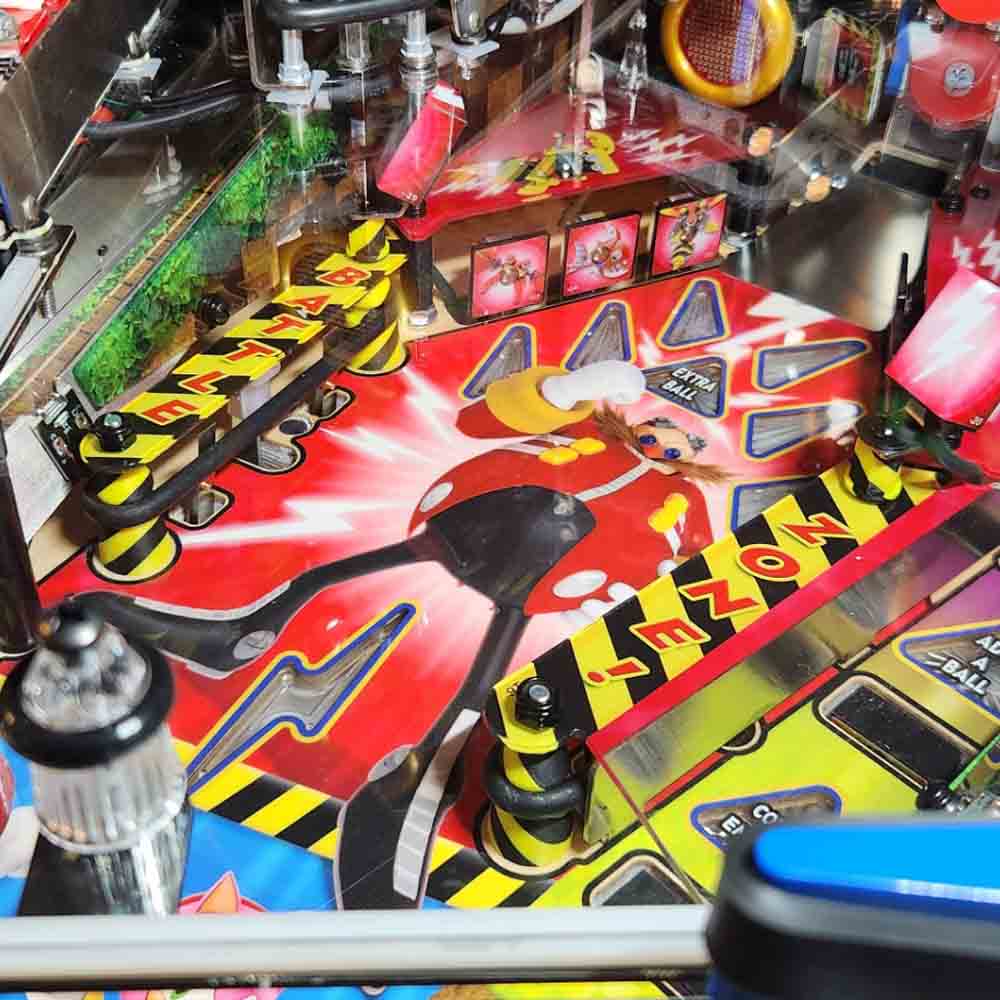
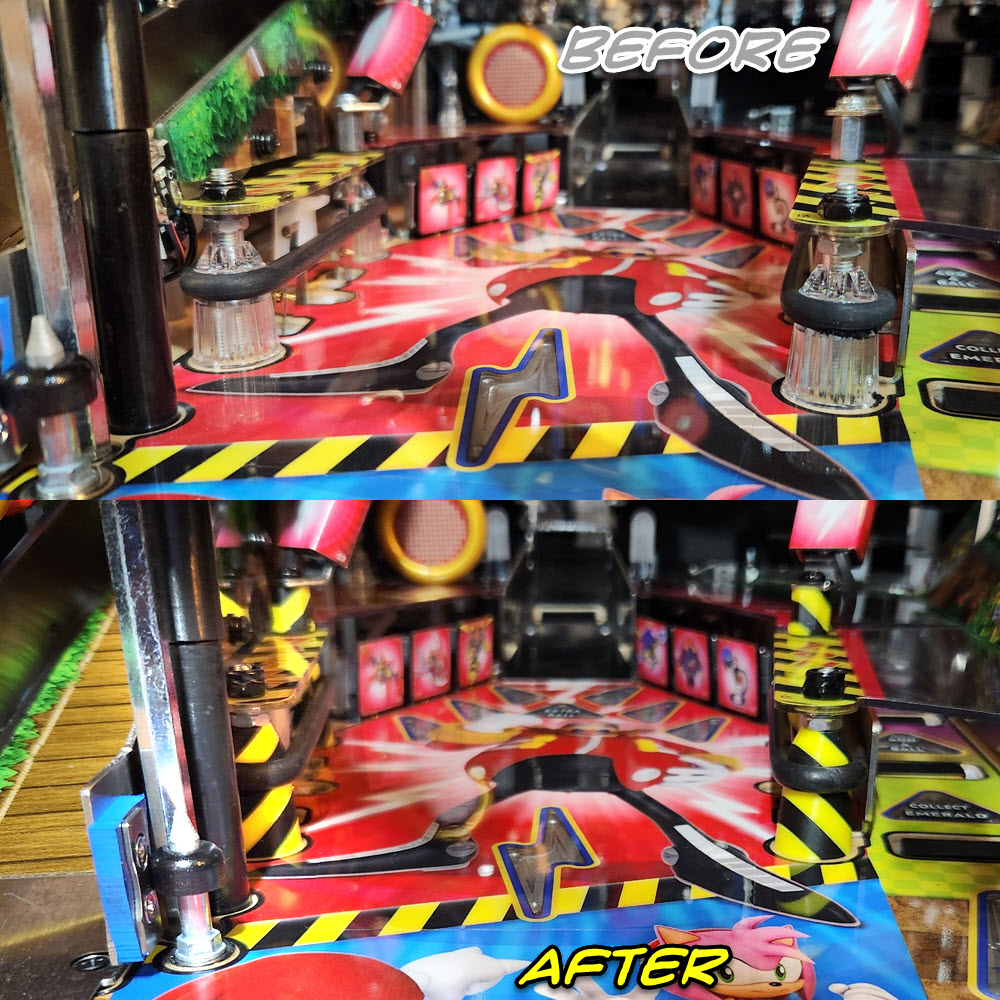
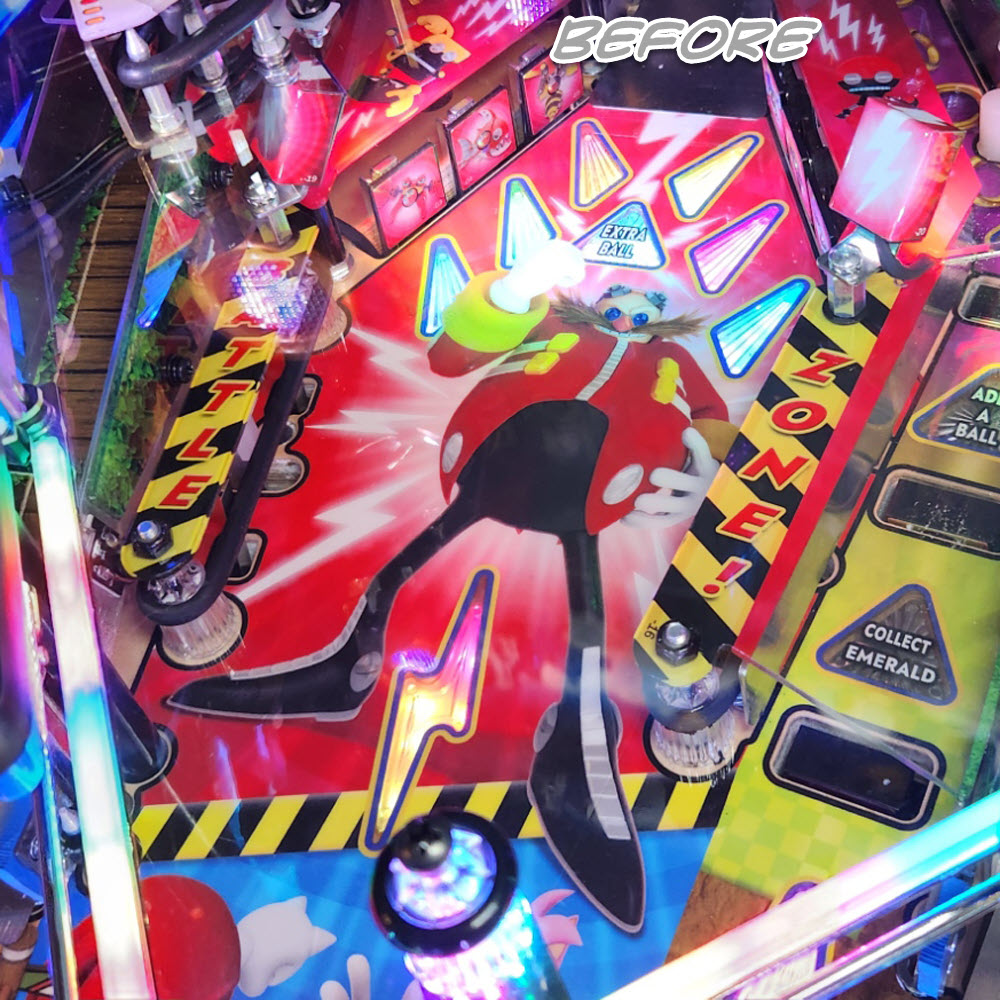
In Sonic the Hedgehog, the Battle Zone has caution-stripe accents on the plastics & playfield. In this area are two four posts and two ugly silver hex spacers that are begging for an upgrade! RCP had already developed a beautiful yellow/black caution-striped post (for use on games like Jurassic Park, Road Show, and more) — and so took the next step to clean up the Battle Zone!
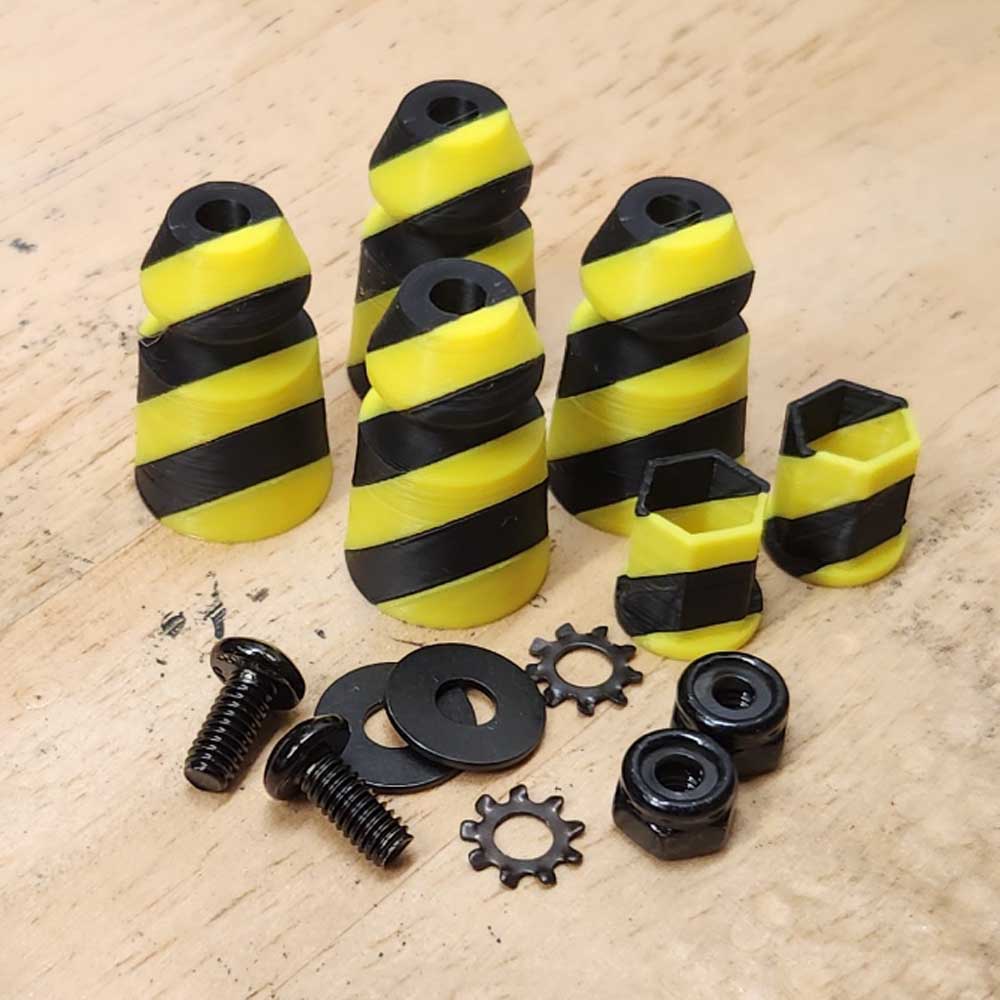
This 14-piece kit features 6 gorgeous 3D-printed posts and HexSleeves in caution-stripe black & yellow and 2 black screws, washers, lockwashers, and nuts to replace the OEM hardware to complete the cleaner look. (Note: even though JJP used black nuts, their locking inserts are white — the nuts included in this kit are black with BLACK inserts!)
This is a very easy mod to install, even for beginners! You will need to remove the upper playfield to install this kit — but every Sonic owner should know how to do this for cleaning/maintenance purposes. It’s easy — four hexes, one screw, four connectors, and two nuts. Full installation instructions (including video for upper playfield removal) included in Installation Instructions section below.
Installation Instructions
Installation Instructions
1) Remove upper playfield per video included below.
2) Remove screws/washers from spotlights; push spotlights out of the way.
3) Remove 1/2″ hex spacers & washers; set aside for later reinstallation
4) Remove black nuts, and lift off ‘Battle’ and ‘Zone’ plastics.
5) Remove washers atop posts (protecting plastics’ art), and remove rubbers. Set aside for later reinstallation.
6) Remove OEM clear posts and replace with caution posts. ** Hold posts in their optimal orientation for the player’s perspective as you tighten them down. ** (If you don’t hold them, they will rotate as you tighten/secure the screw.
7) Reinstall rubbers, ensuring leaf switch is inside.
8) Reinstall washers atop post screws, then reinstall ‘Battle’ and ‘Zone’ plastics.
9) Install replacement black nuts (with black inserts instead of OEM nuts’ white inserts) at lower post screws. Reinstall OEM washers and hex spacers at upper post screws.
10) Install caution hex sleeves over the hex spacers, again being mindful of their orientation with respect to the art & player’s perspective.
11) Reinstall spotlights, using replacement black washers, lockwashers, and screws.
12) Reinstall upper playfield.
Reviews
There are no reviews yet.